From listing to sold in three steps
Set it up once. DoPost keeps listings moving and buyers answered while you get on with your day.
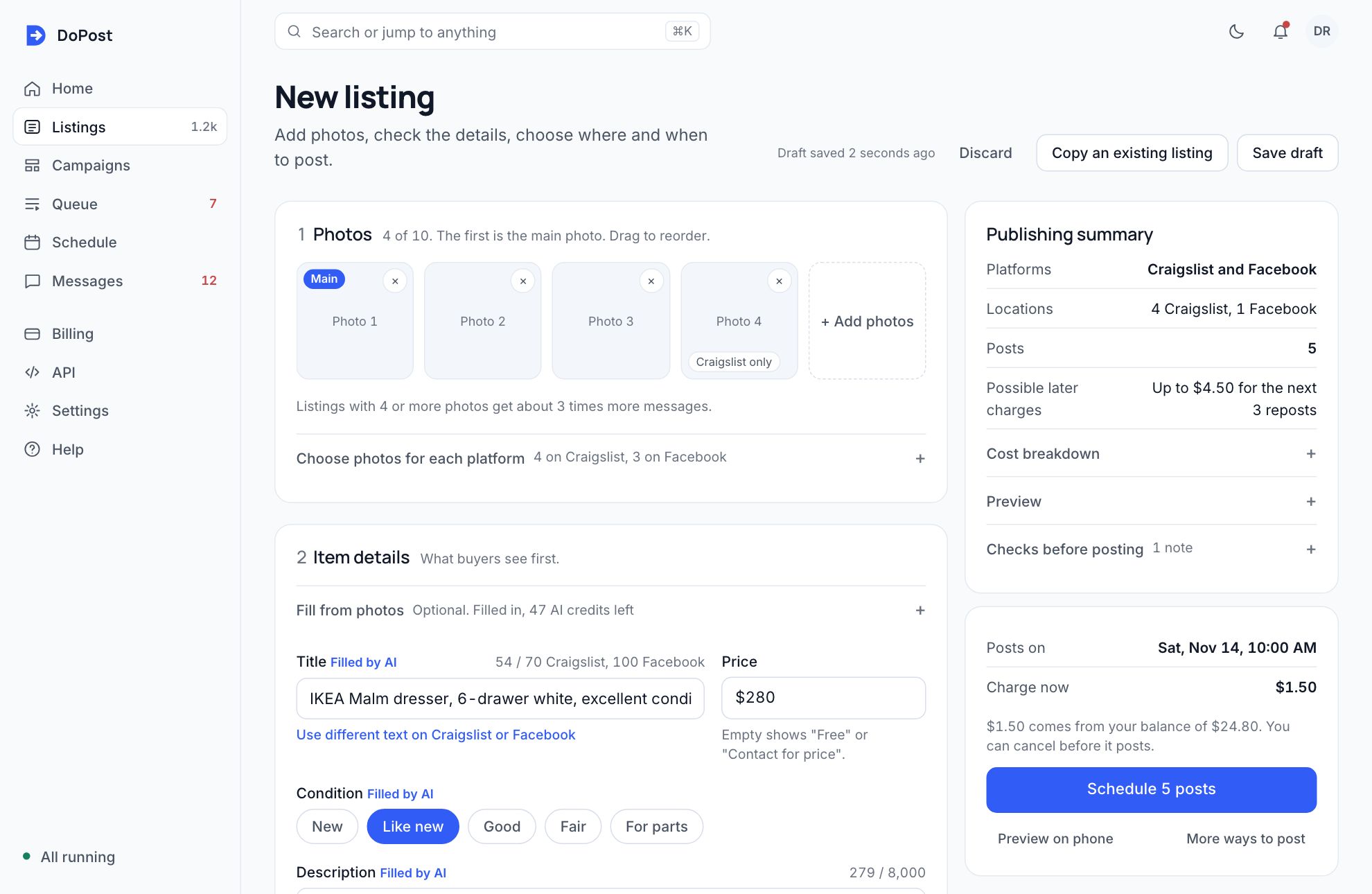
Create your listing once
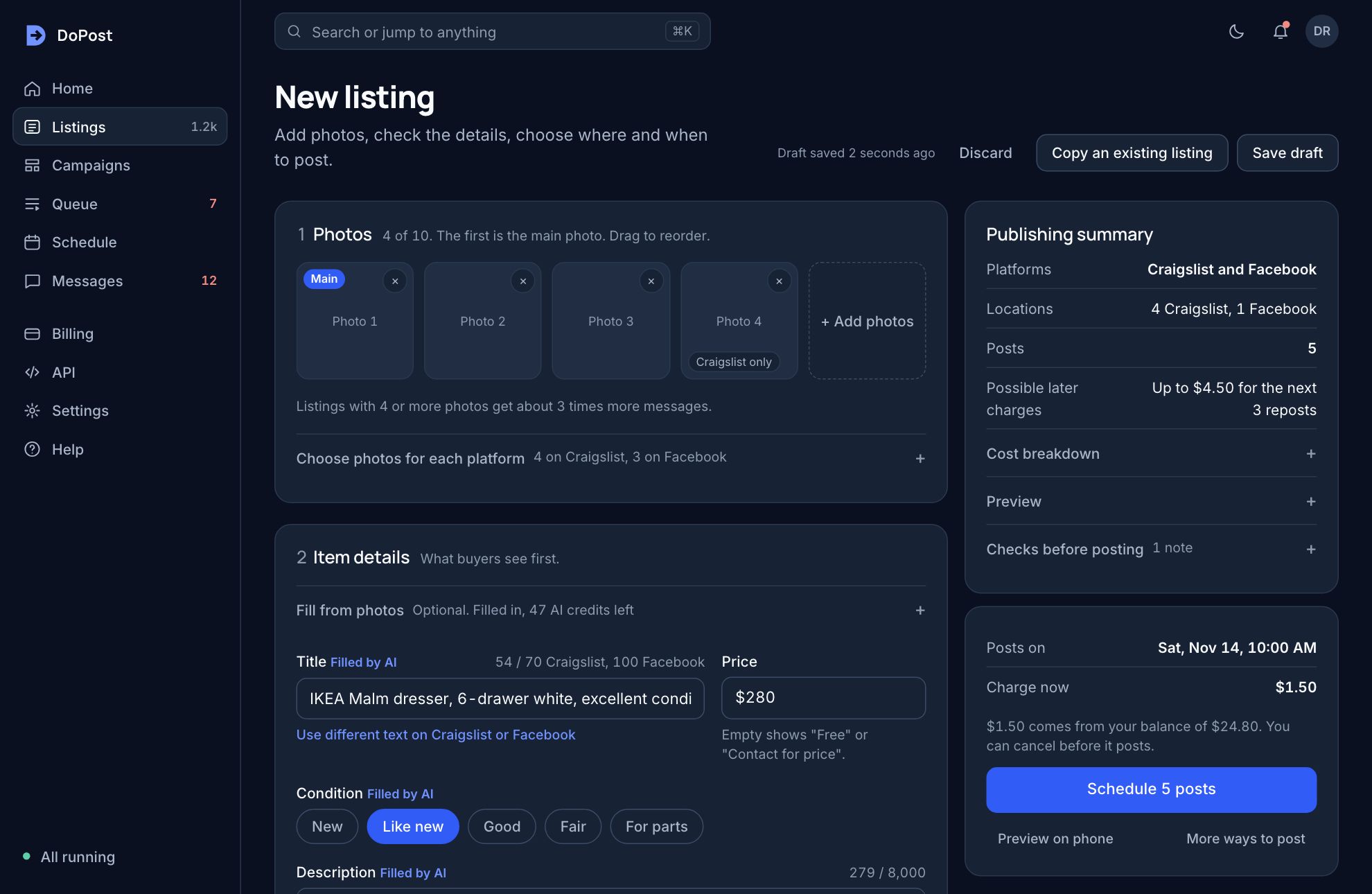
Add photos, price and details. Pick the platforms and cities you want to reach. The cost is on screen before you post, and there is no login to connect.
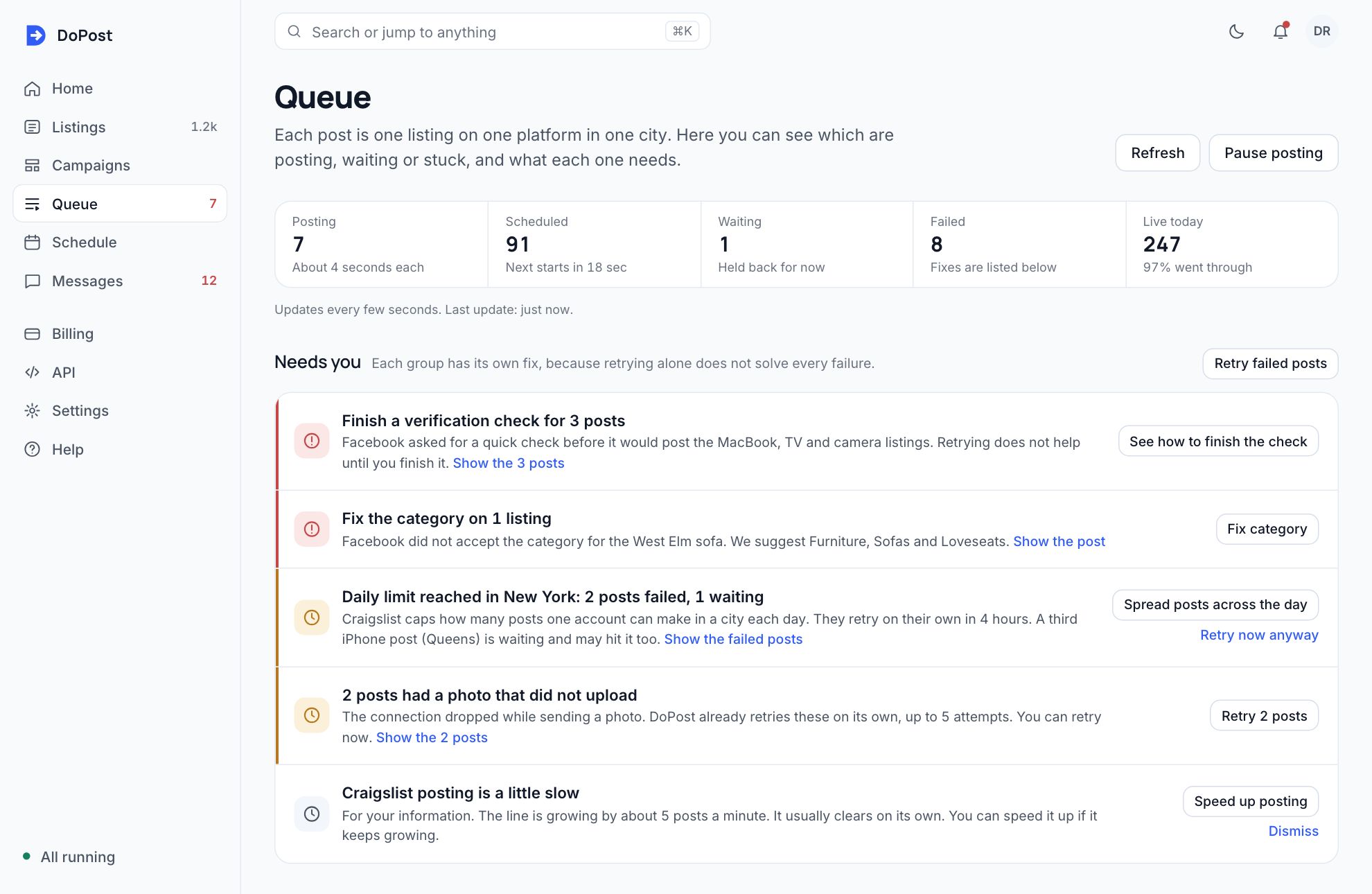
DoPost posts and reposts on schedule
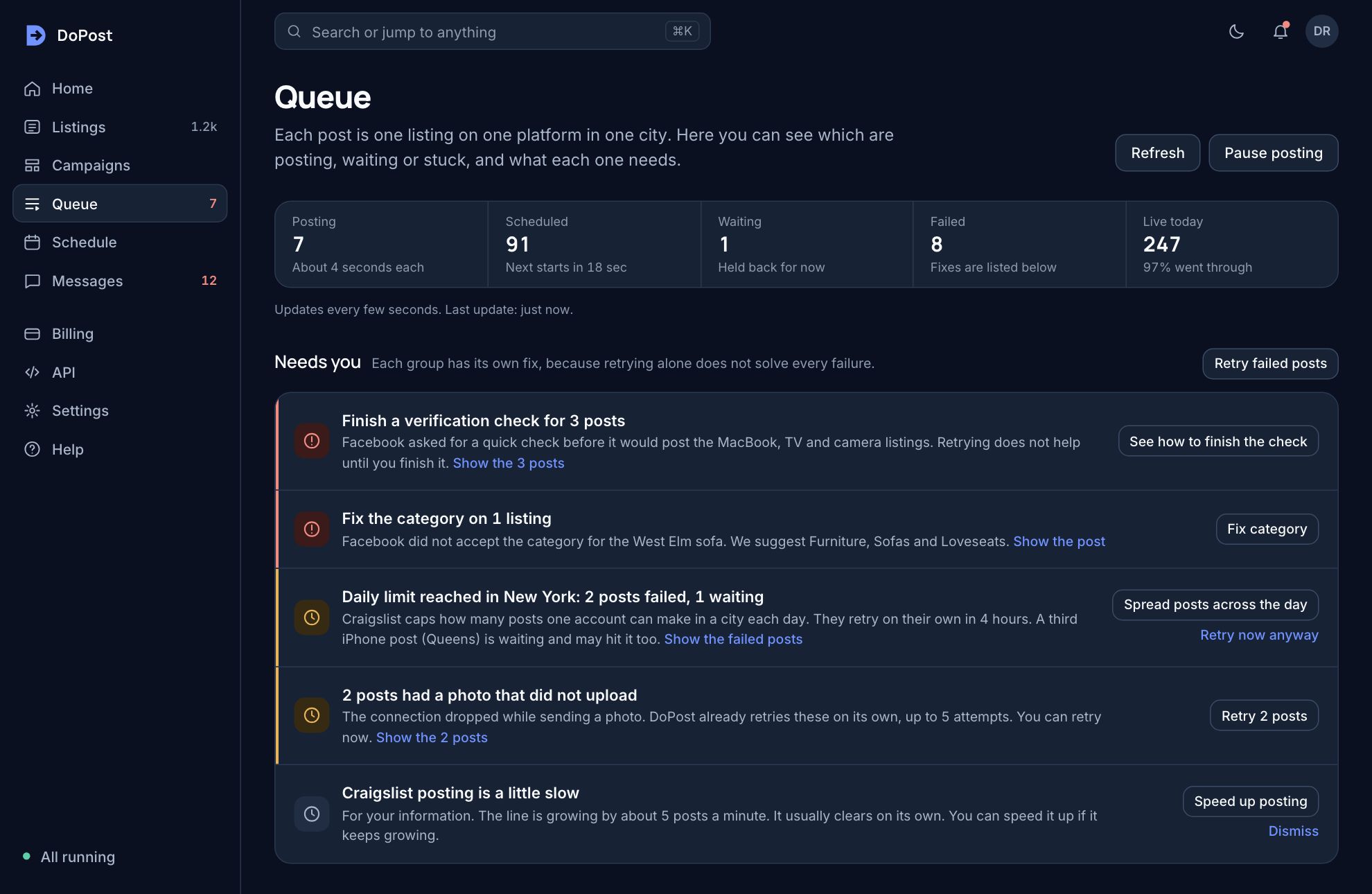
One post per platform and city, paced to daily limits. Failures are retried up to 5 times, then explained in Queue. Reposts follow the schedule you set.
Reply, negotiate and sell
Buyers get quick answers from AI. You step in from one inbox when it is time to close the deal.
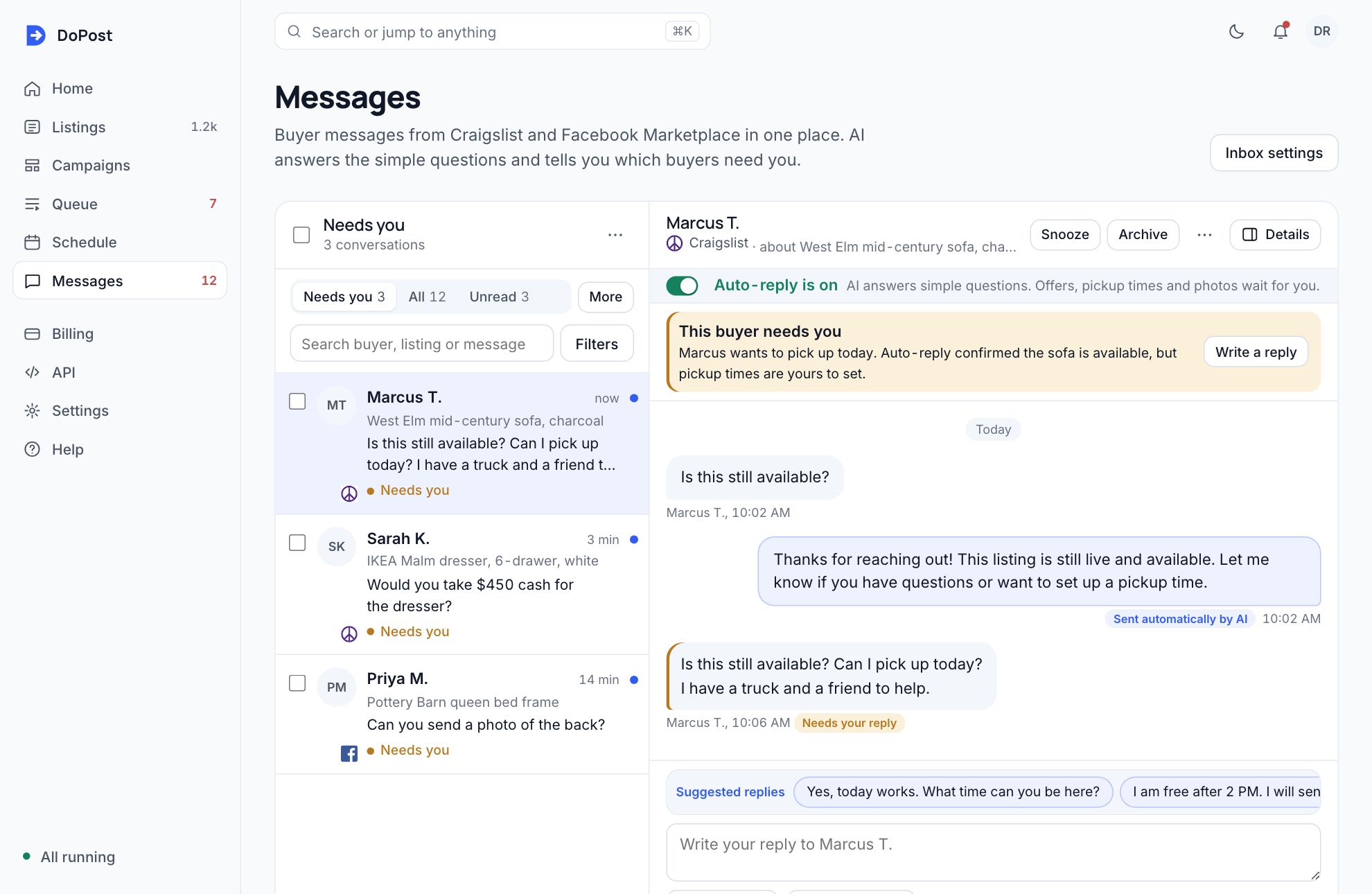
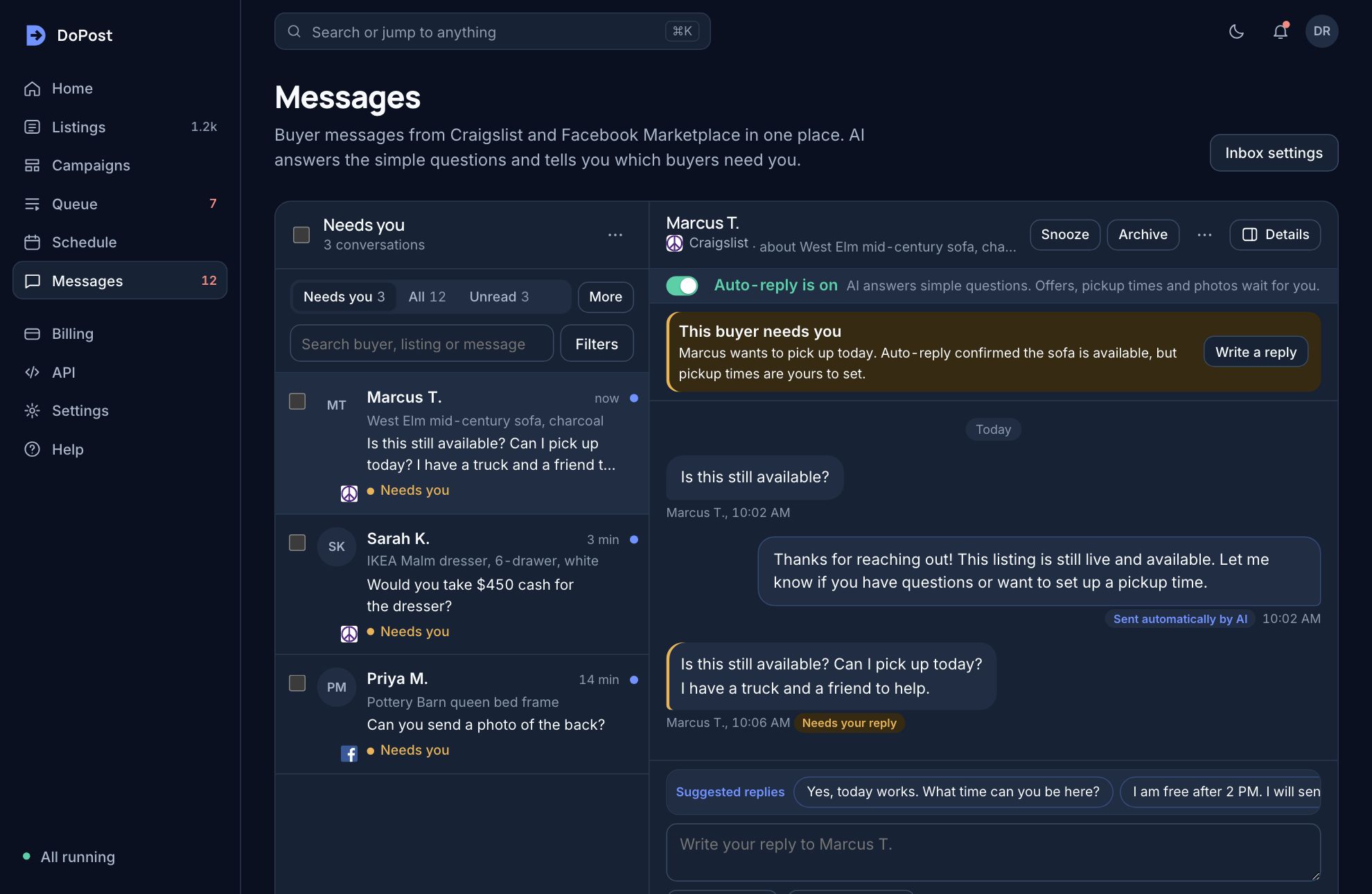
You write the listing. DoPost does the posting.
Add it once and step in when a buyer is ready
- Add photos, price and details
- Pick the platforms and cities
- Choose how often it reposts
- Close the deal when a buyer is serious
Posts, reposts and helps with buyers
- Publishes to Craigslist and Facebook Marketplace
- Reposts on your schedule
- Paces posting to each platform's daily limits
- Replies to common buyer questions with AI
- Tells you plainly what failed and why
You do not connect a Craigslist or Facebook login. DoPost posts for you.
You never hand over a login. Here is what happens instead.
Add the listing
Photos, price, category, platforms and cities. You see the cost before anything posts.
Publishes it for you
From accounts DoPost operates, one post per platform and city, paced to daily limits.
Shows it to buyers
The listing is live locally. Status and buyer messages come back to your DoPost account.
Accounts DoPost operates. You do not connect or share a Craigslist or Facebook login, and the listing does not sit on your personal profile.
Into Messages in DoPost. AI can answer simple questions and tells you which buyers need a person.
Yes. Mark it sold or delete it in Listings and DoPost removes it from the platform. You can repost any listing too.
DoPost tries up to 5 times, waiting longer between attempts. If it still fails, Queue shows the reason and lets you retry.
Each platform limits daily posting. Posts over the limit wait in Queue and go out when there is room, usually the next day.
Craigslist and Facebook run their own rules and can reject or remove a listing. DoPost cannot guarantee a listing stays live, ranks or sells.
You keep ownership of your photos and text. You are responsible for the item being real, the listing being accurate and it following the law and each platform's rules. Accounts that break those rules can be suspended.
No. DoPost is an independent service and is not affiliated with or endorsed by Craigslist or Meta. Pay per post charges apply only to posts that go live.
Ready to stop posting the same listing over and over?
Create your first listing, choose where it should appear and review the cost before publishing.