The whole job, from first photo to final message
The product screens, in the order you use them. High-volume sellers and teams run all of it from one place.
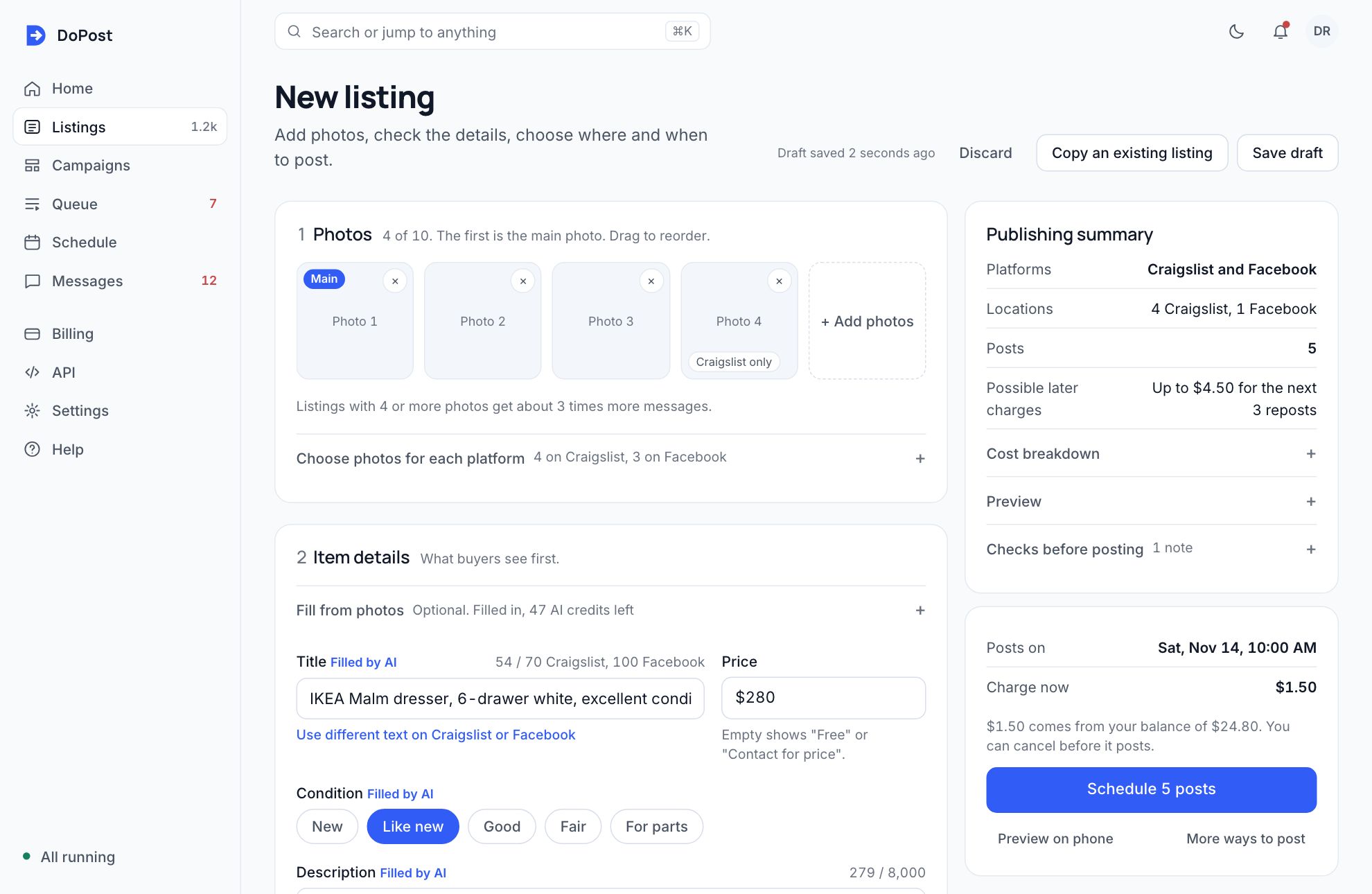
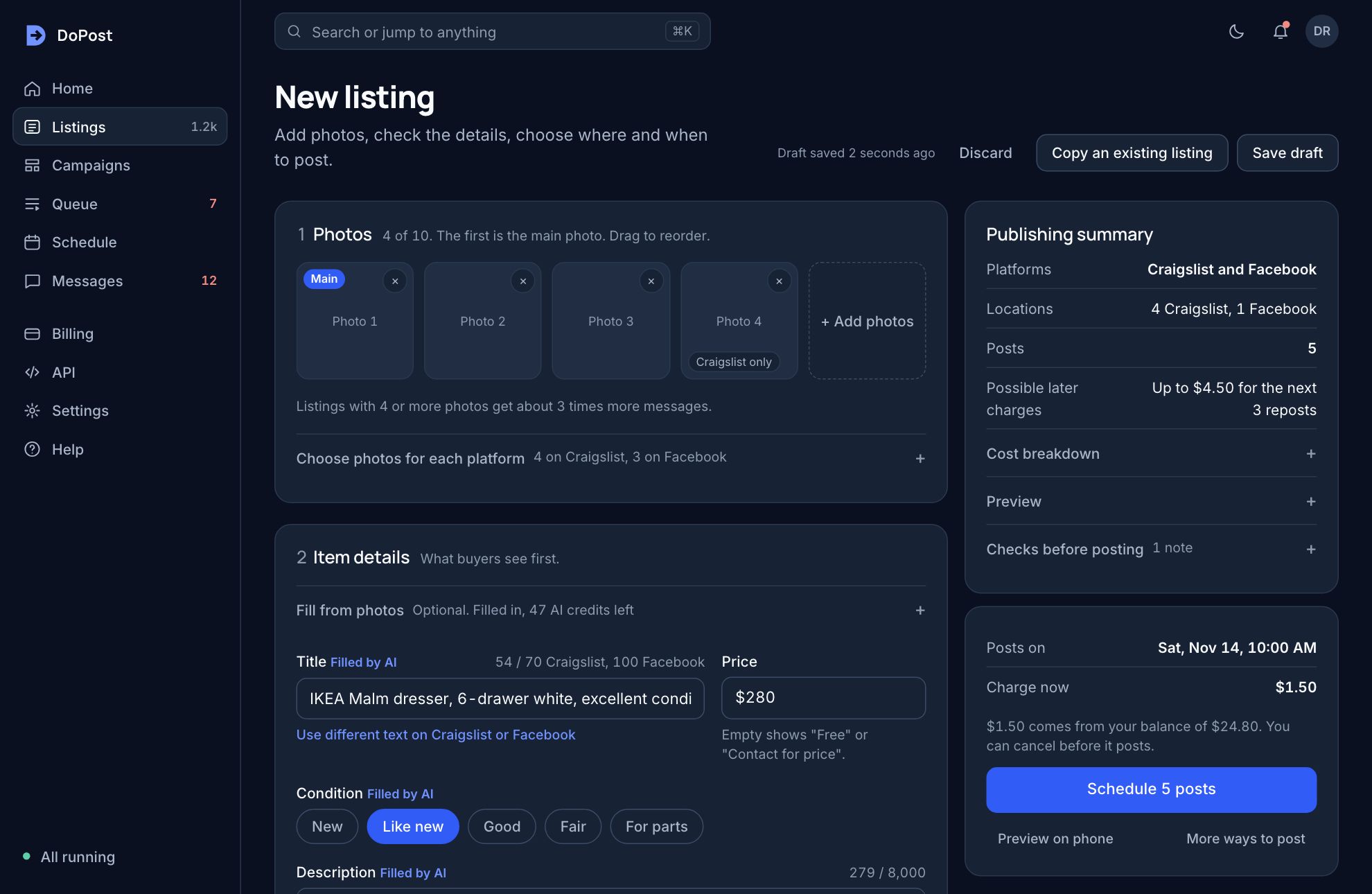
Write it once. It shows up in every city.
Add photos and details one time. AI can draft the fields for you to check. DoPost turns one listing into one post per platform and city, and shows the cost before you confirm.
- Craigslist and Facebook Marketplace
- 414 US and 55 Canadian Craigslist sites
- Item details by category, like VIN and mileage for cars
- Auto-Fix with AI points out missing details and fixes them
- Preview on each platform and on a phone
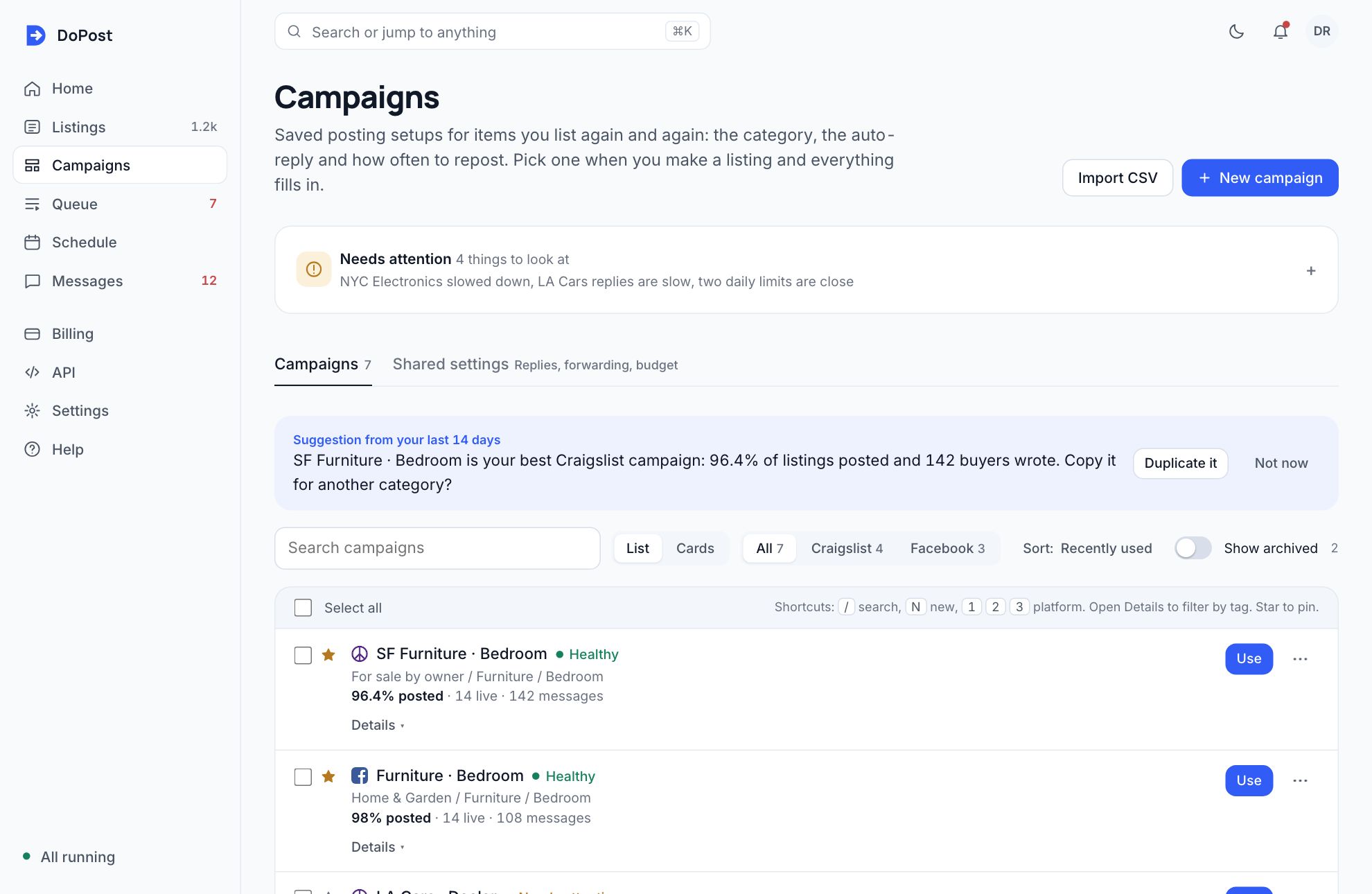
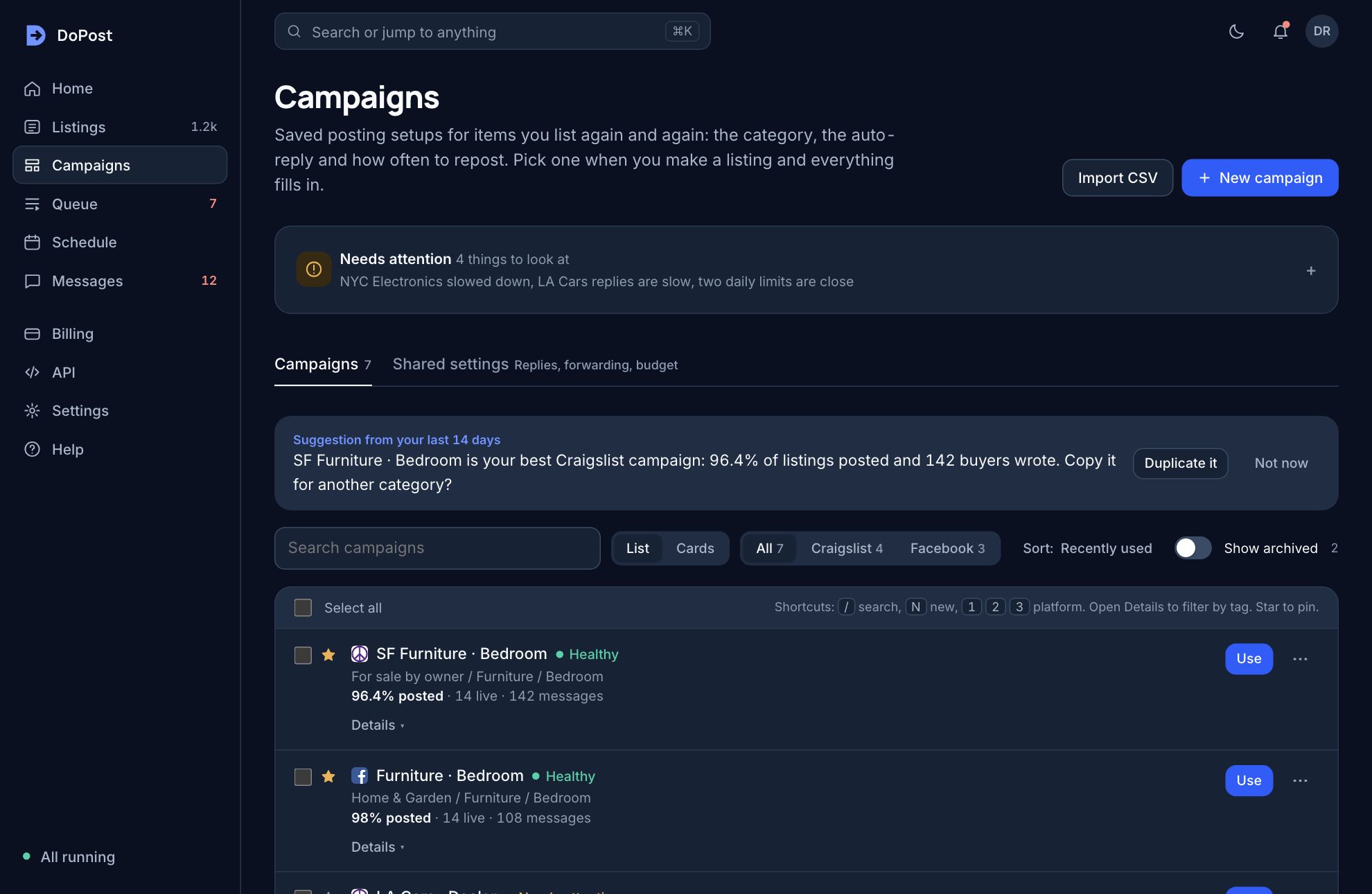
Saved settings for repeat listings.
A campaign keeps the category, auto-reply and repost rules, so the next listing of the same kind takes seconds. Duplicate what works and pause what does not.
- Category, schedule and reply settings
- Suggestions from your own results
- Import and duplicate
Set the repost schedule and walk away.
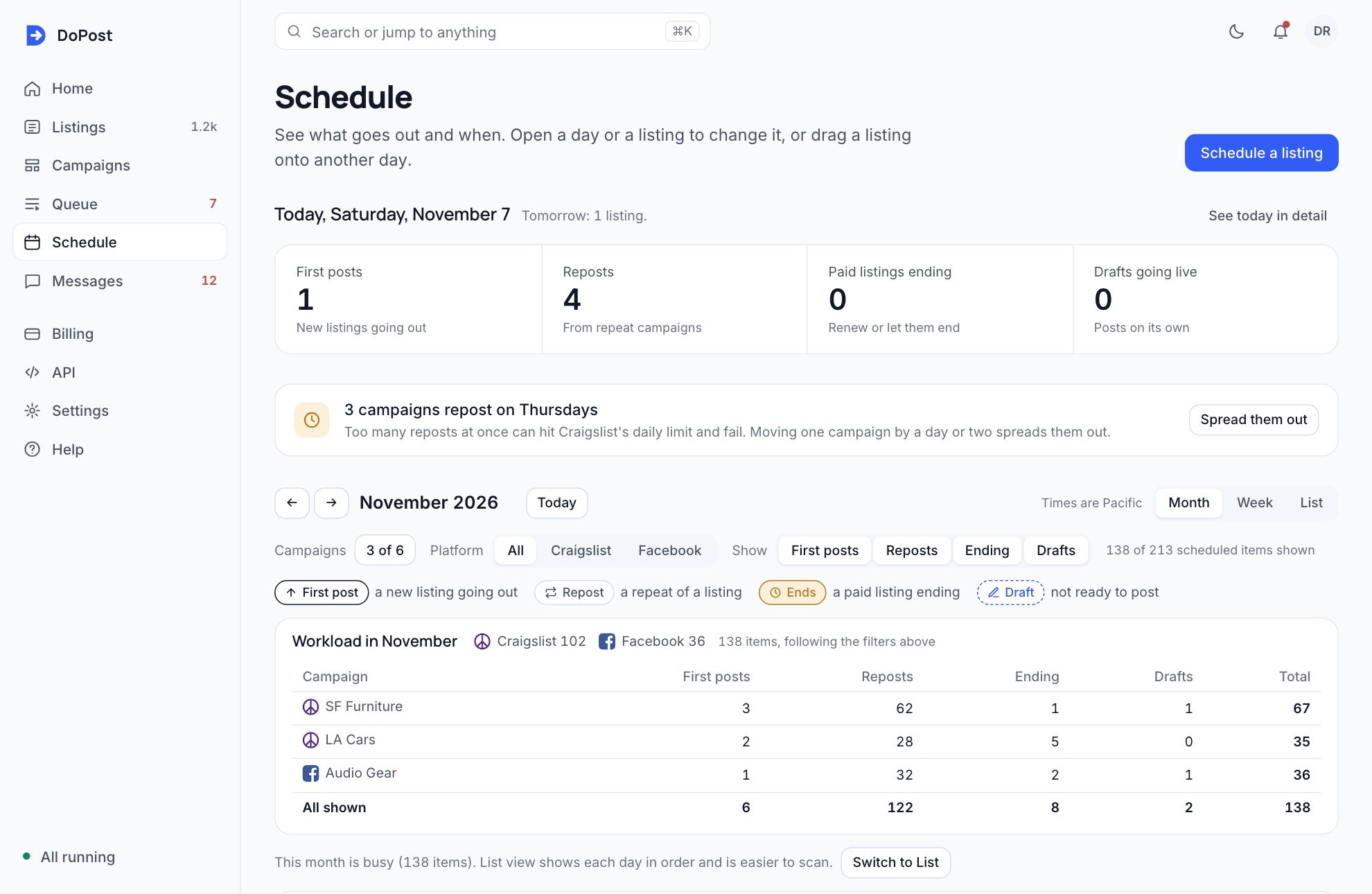
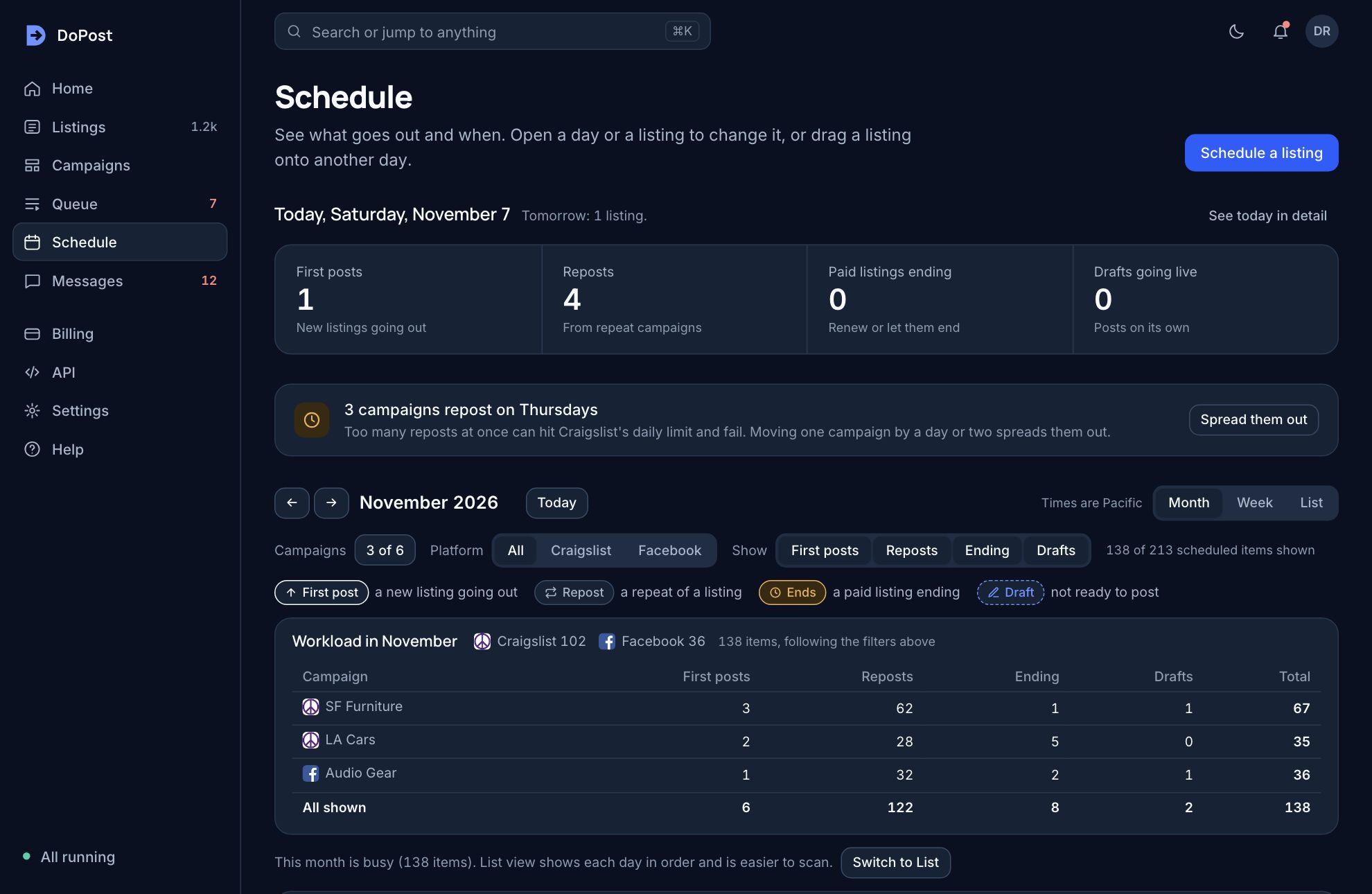
Queue batches and set how often each listing reposts. The calendar shows first posts, reposts and listings ending, and you can drag anything to another day.
- Daily limits respected
- Spread out a busy day
- Pause any listing
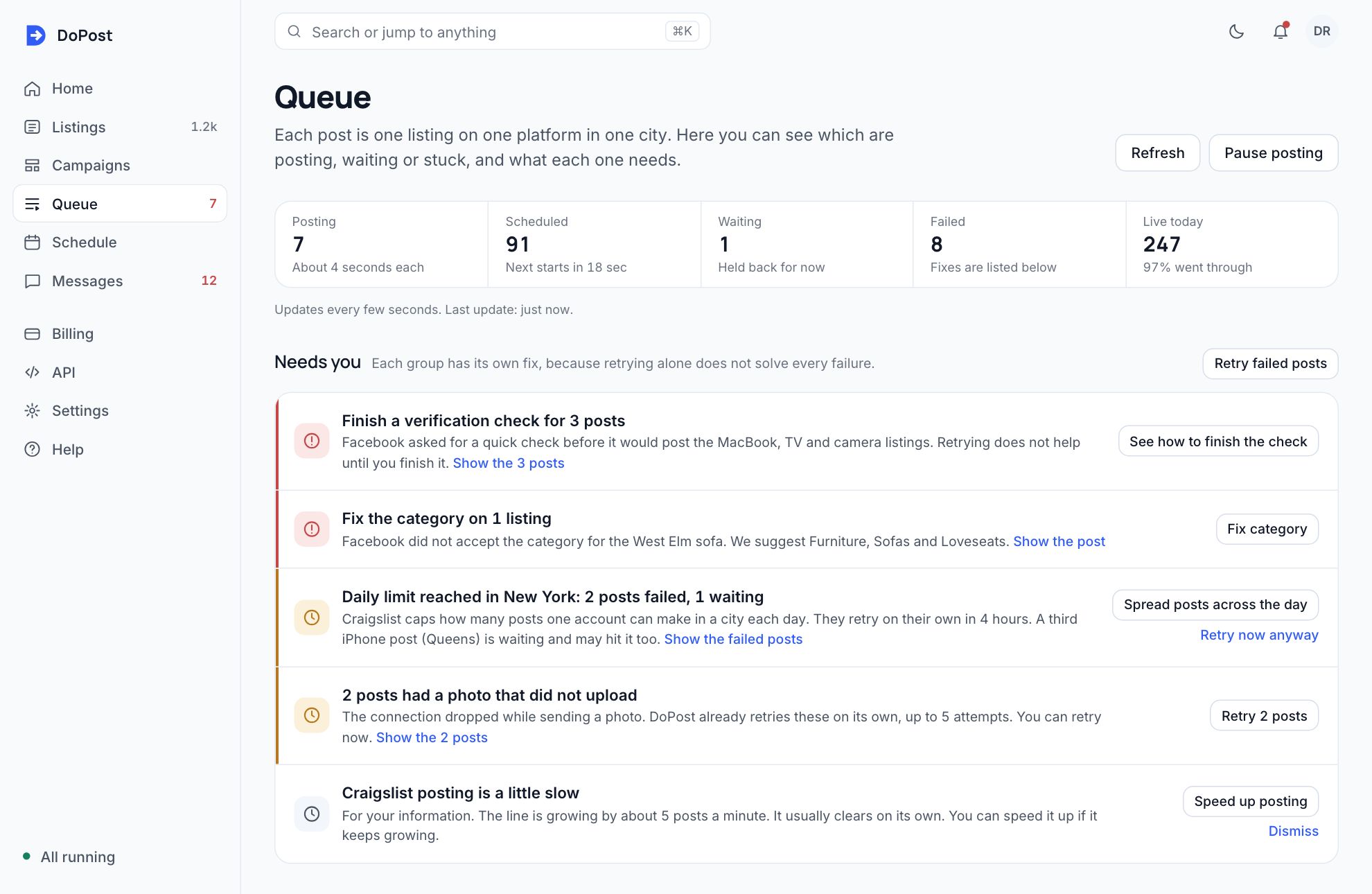
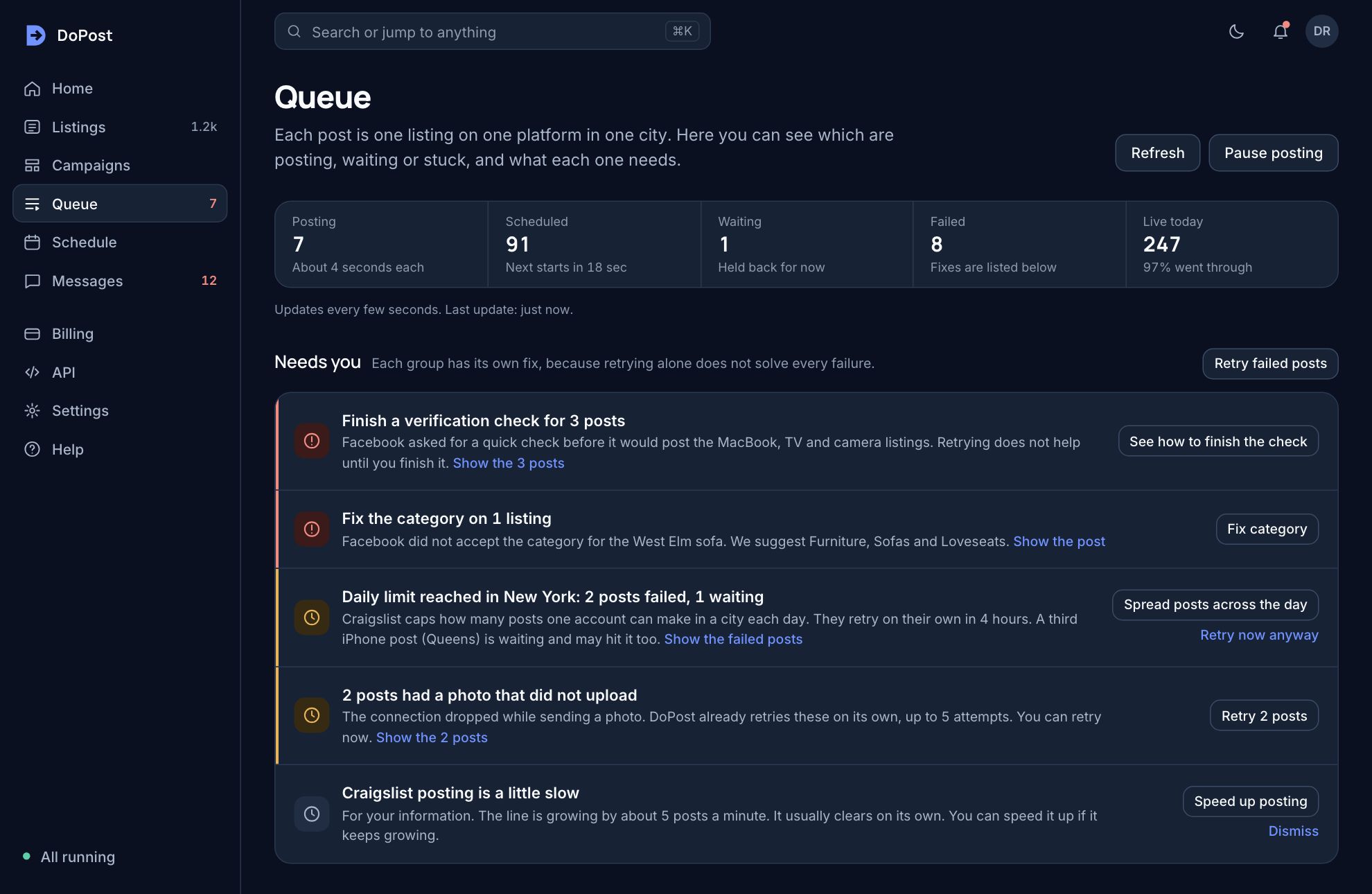
A few listings or a full inventory.
DoPost paces posting to daily limits. Anything over the limit waits. Failures are grouped by cause and explained in plain words, with the next step beside them.
- Up to 5 automatic attempts
- Retry a whole group
- Every problem has a reason
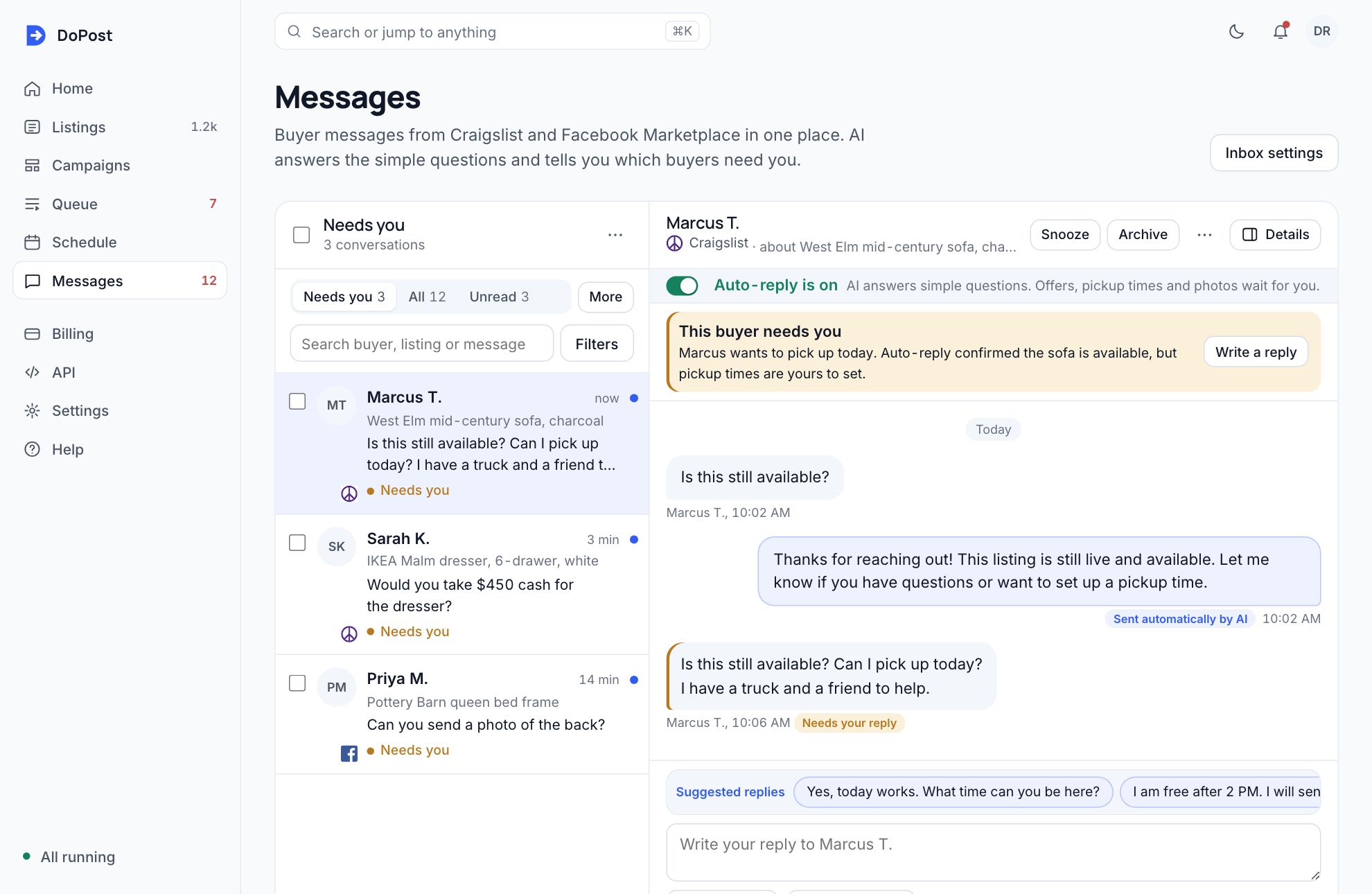
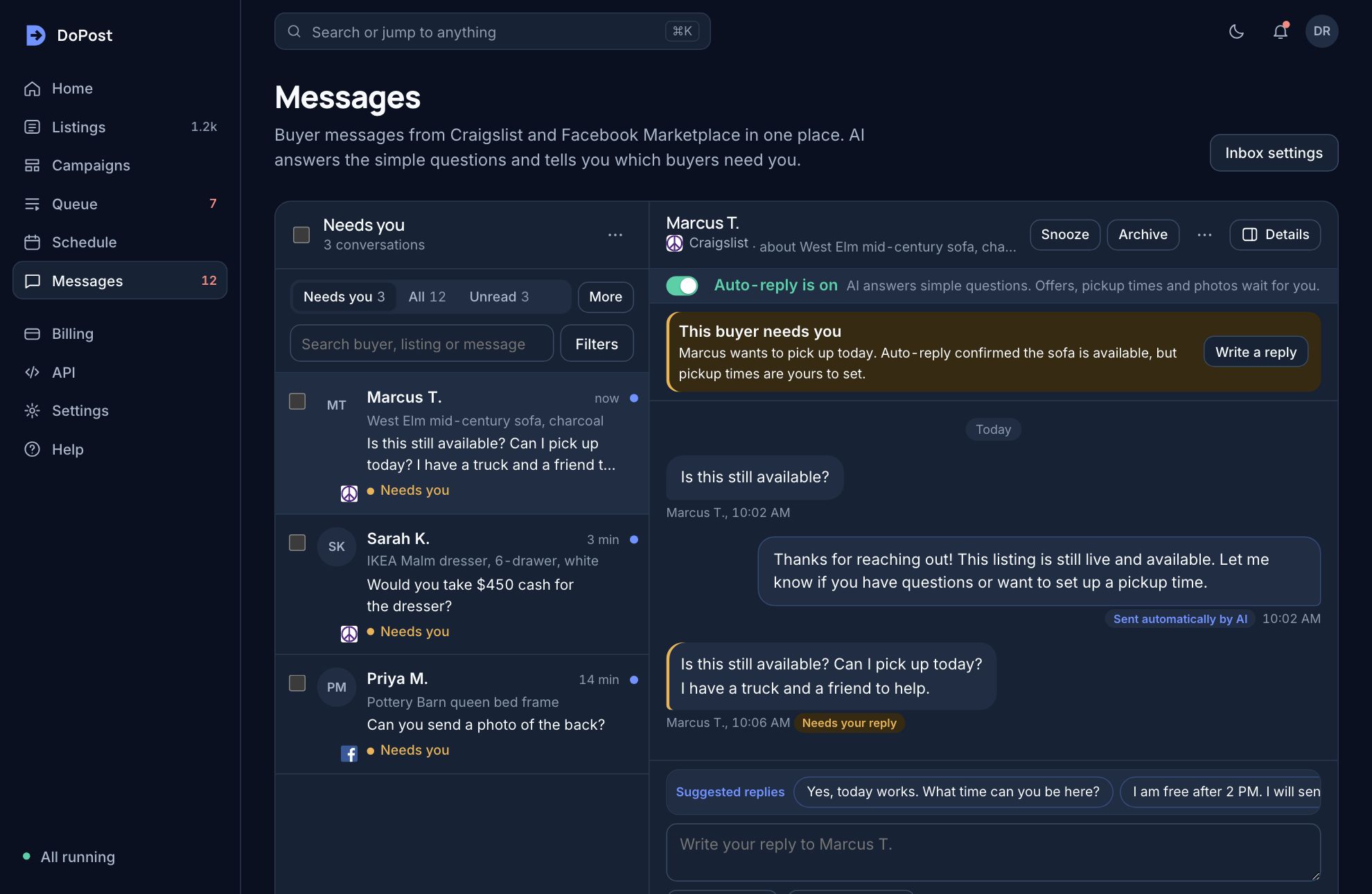
Buyers get an answer. You get the real ones.
Every buyer message lands in one inbox. AI answers simple questions in your voice, handles "is this available?", and flags offers and real buyers for you.
- Auto-reply per conversation, using your item details
- Reply templates: Default, Pickup details, Firm price, Financing, Sold, sorry
- Scam marking and filters by tag
Know what to post and when.
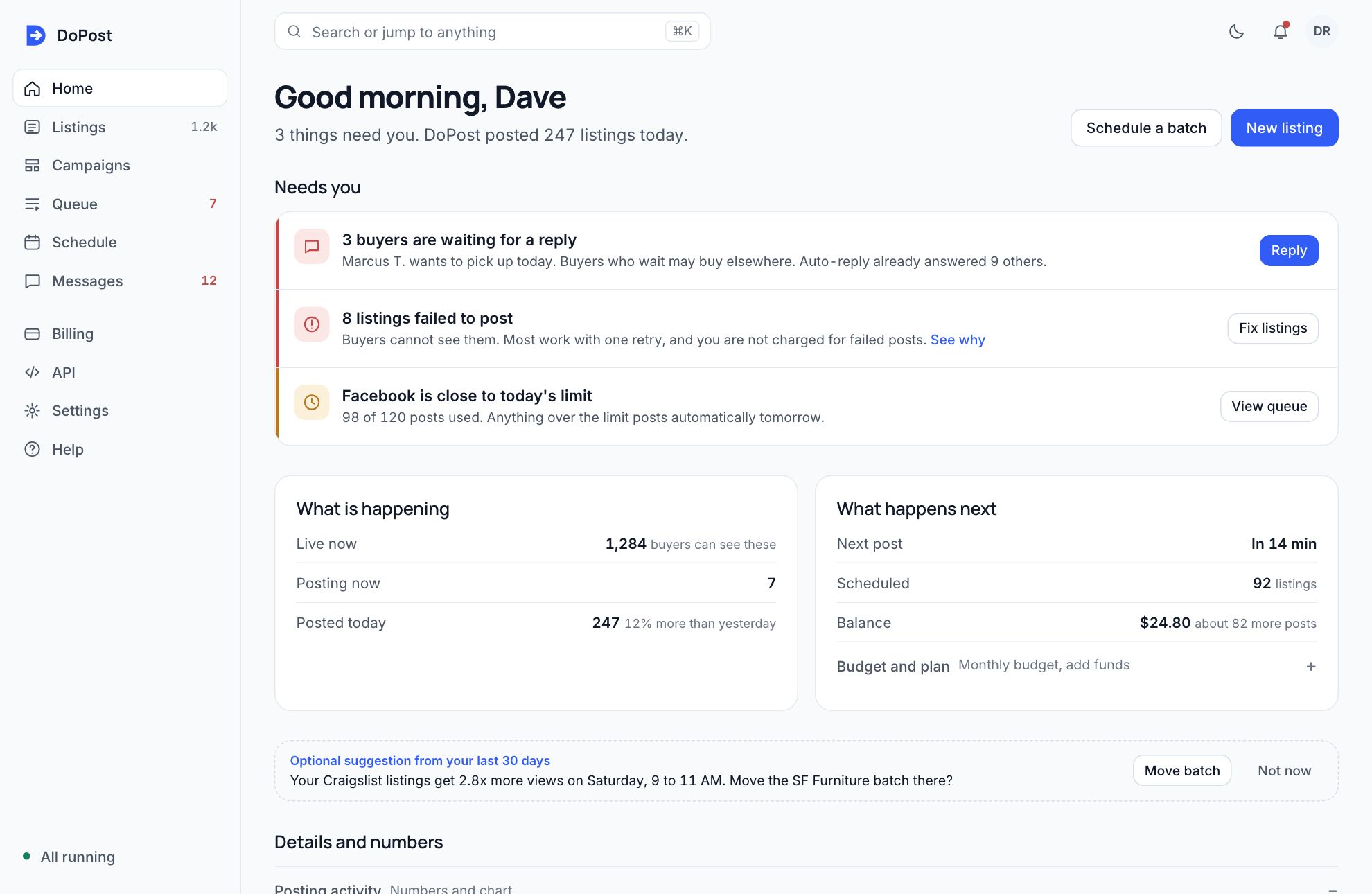
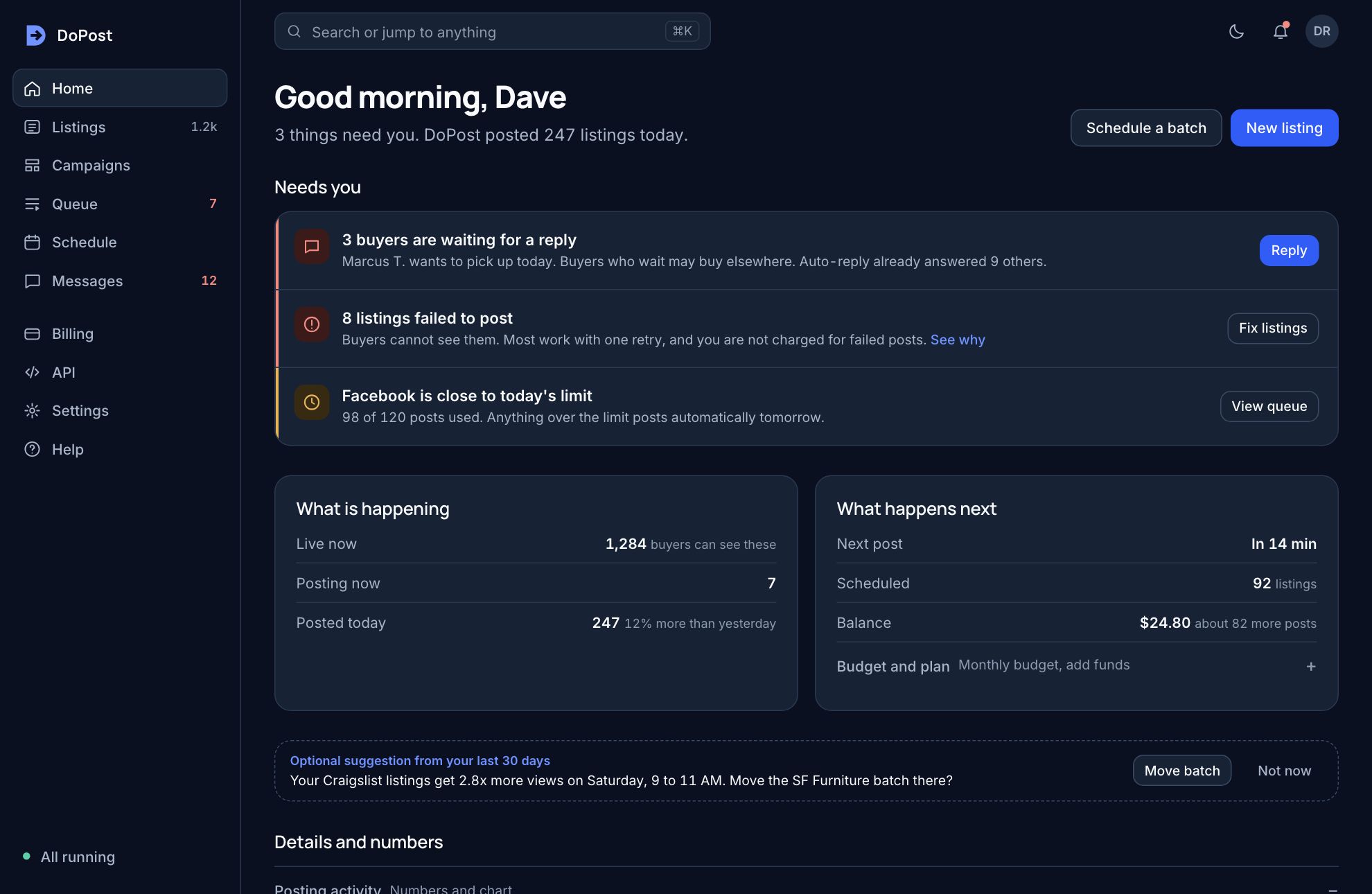
Insights shows your results and suggests what to post and when. Home leads with what failed, who is waiting and what is near a limit. Basic Insights is on every plan. Advanced Insights comes with Pro and Business.
- Best-time-to-post suggestions
- Results by campaign, city and tag
- Balance, spend and AI credits
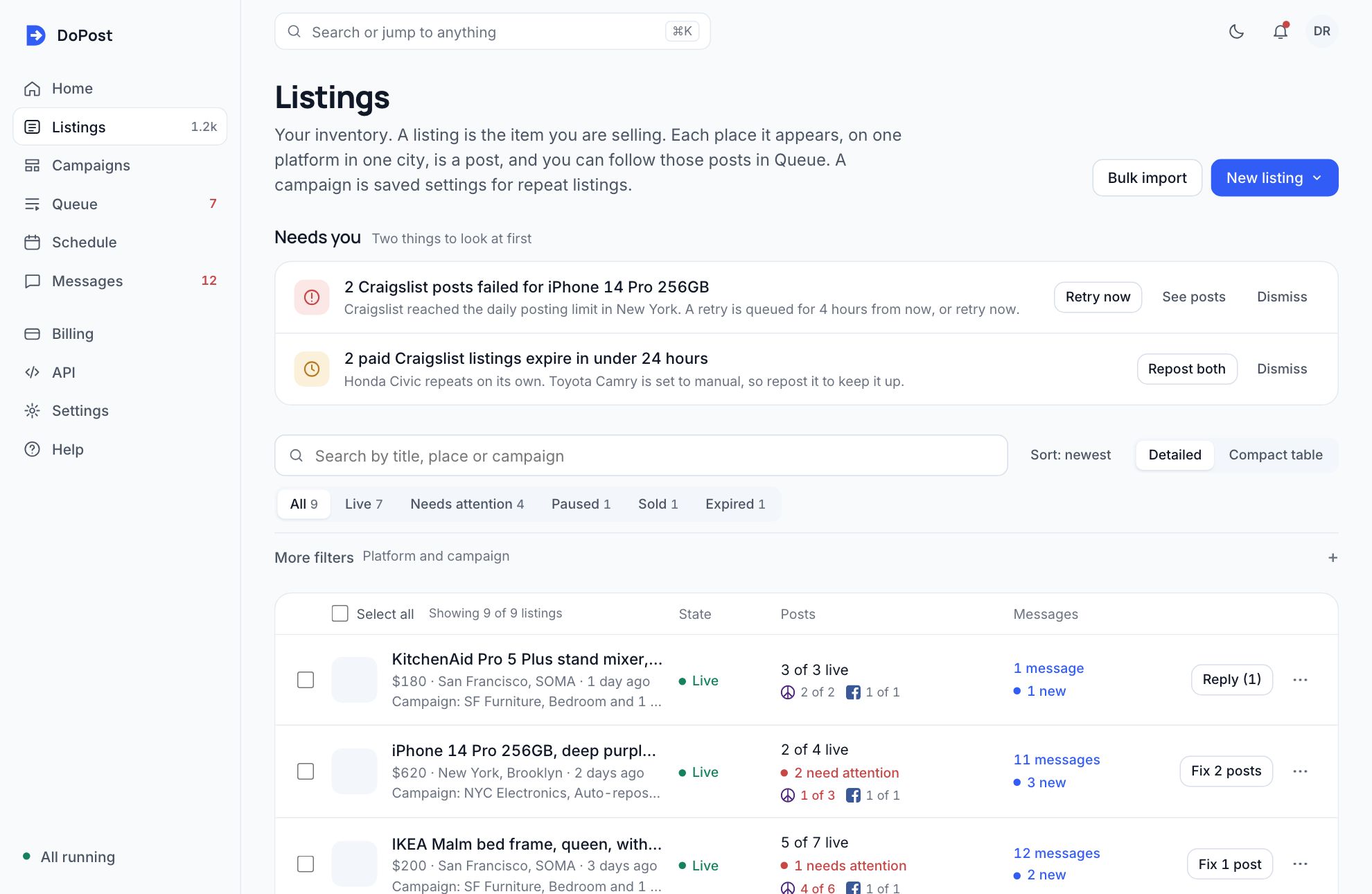
Every post, its status and what to do next.
One list of everything you have posted, with where it is live and what needs attention. Repost, mark sold or delete from the same place.
- Tags and filters: filter by status, platform, campaign and tag
- Bulk actions
- Details for each city and platform
Plug it into the systems you already run.
Automate posting, pull Insights and sync your own systems with a REST API and real-time webhooks. Included in Business.
post.published   IKEA Malm dresser is live in San Francisco
reply.received   Dana K. asked about price
post.failed      Oak dining table could not be posted
listing.sold     Mid-century dresser marked sold
Built for people who sell all day
Tags and filters
Label listings with tags like #new-arrival, #weekend-sale or #financing. Filter Listings, Messages and Schedule by tag, and point a campaign rule at a tag.
Reply templates
One library for the whole account: Default, Pickup details, Firm price, Financing and Sold, sorry. Placeholders fill in the buyer's name, the listing, the price and the pickup details.
Item details by category
Vehicles ask for VIN, mileage, title status, transmission and drivetrain. Furniture, electronics, apparel and jobs have their own fields. Auto-reply uses them to answer buyers.
Auto-Fix with AI
When a post is missing something a platform needs, Auto-Fix suggests the fix and you approve it. It uses AI credits by the tokens it uses, and you see the most it can use before you click.
Team roles
Pro includes 2 seats and Business 5. Owners manage billing and settings, Editors create and change listings, and Viewers can look but not change. Need more seats? Talk to sales.
Mark sold, stop reposts
Mark a listing sold from Listings, Post Detail or a conversation. Reposts stop, and DoPost can tell other open buyers with your Sold, sorry reply.
See it with your own inventory.
Create your first listing, choose where it should appear and review the cost before publishing.